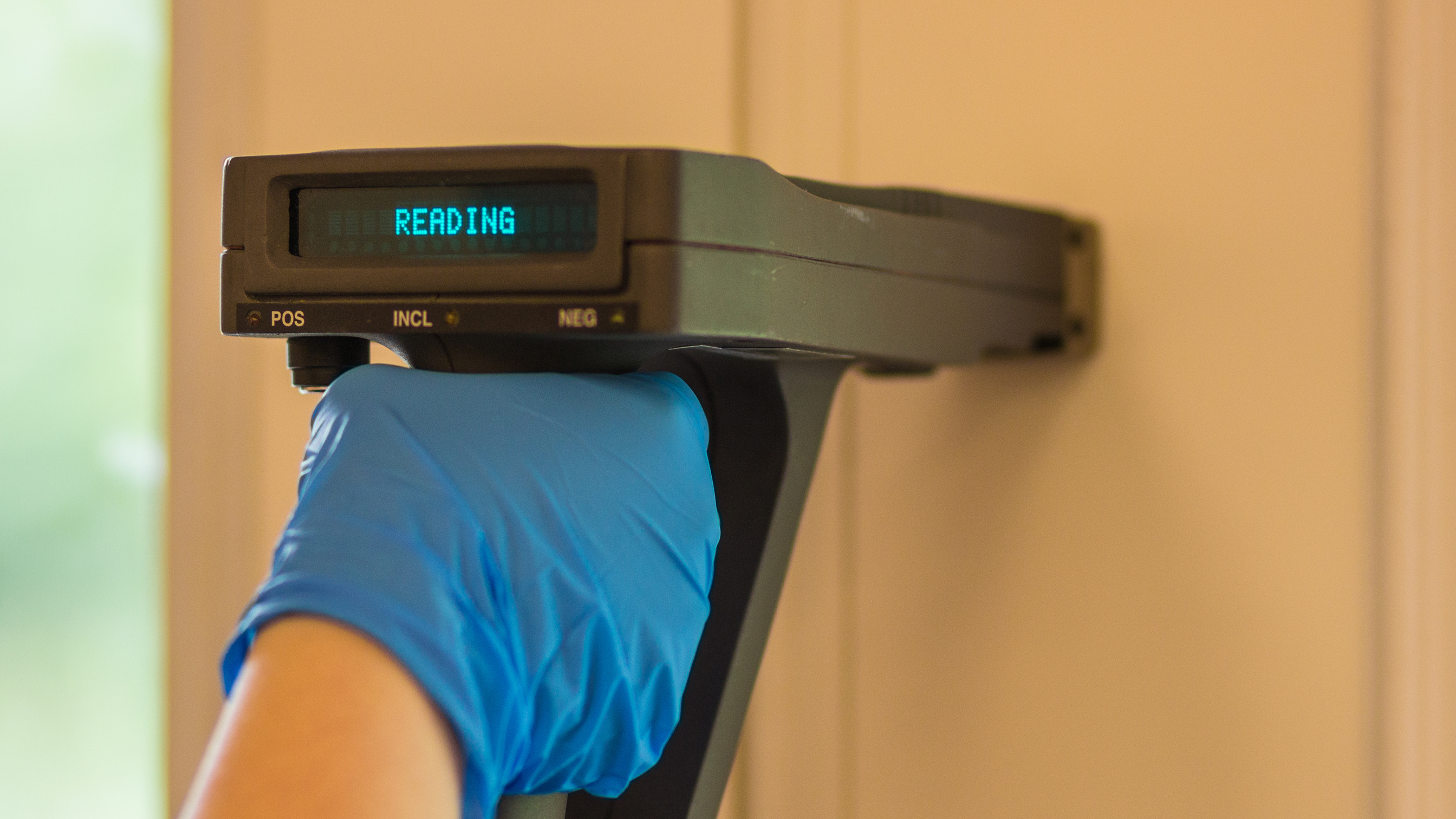
Lead paint inspection software, from XRF trigger pull to compliance report.
aQRate connects directly to your XRF analyzer, timestamps and geotags every reading automatically, and routes inconclusive results into a digital chain of custody — no clipboard, no manual transcription, no gap in the record.
30-day free trial. No credit card required.
Read #142 · 2.7 mg/cm²
NIST calibration check — pass
Start-Shift QC · SRM reference film verifiedSample LB-0412 — Grey Zone
Digital chain of custody created for lab confirmationCollect offline, anywhere
Mechanical vaults, basements and occupied units rarely have signal. The aQRate field app keeps every XRF reading and chain-of-custody entry on the device, then syncs automatically when you step back into range.
Connected mobile-to-portal
Readings flow from the field app to the web portal, where QA/QC compliance checks, NIST calibration logs and lab results stay attached to one record — not three separate spreadsheets.
One-click reports
Turn a finished lead-based paint survey into an executive KPI summary or an auditor-ready compliance report without reformatting a single cell.
Automatic capture
Every reading timestamped and geotagged automatically.
aQRate connects via Bluetooth directly to the XRF hardware. The moment the trigger is pulled, aQRate creates a record with an automatic GPS coordinate and measurement timestamp — no estimated times, no manual Read ID entry, no transcription back at the office.
The reading arrives already matched to the right surface, Read ID and regulatory monitoring zone.
GPS provenance is captured on site, so every point in the report traces back to a spot on the building.
Timestamps come from the device clock — the sequence of a 200-point survey never has to be reconstructed from memory.
Grey Zone resolution
Inconclusive readings never go missing.
When an XRF reading lands in the inconclusive Grey Zone, the inspector adds the sample ID directly in the aQRate field app. Sample data populates a digital lab chain of custody automatically; when Flame AAS lab results come back — via API or uploaded report — aQRate auto-links them to the original field record and updates the regulatory status. No re-typed percentages, no lost sample IDs.
Sample IDs are created in the field app the moment a reading lands in the inconclusive Grey Zone.
The digital CoC replaces the paper form that used to ride shotgun to the lab.
Lab-confirmed lead-by-weight results update the reading's regulatory status on their own.
Built for every kind of lead paint survey operation
From a single-unit assessment to a portfolio-wide HUD survey, aQRate keeps the field record and the compliance record in the same place.
Environmental consulting firms
Standardize XRF surveys across every inspector and field crew, so a report from Tuesday looks like one from Thursday.
Industrial hygienists
Run NIST-compliant QA/QC checks with every shift's calibration — Start-Shift, Mid-Shift and End-Shift — logged automatically.
Multi-family and property asset managers
Maintain a defensible compliance record across an entire portfolio, unit by unit and surface by surface.
Remediation contractors
Target spending using the same positive/negative dataset the survey produced, not a re-typed summary.
HUD and EPA compliance teams
Generate audit-ready reports built directly from field and lab data, traceable back to the trigger pull.
Risk assessors
Compare XRF and lab-confirmed results against the regulatory framework automatically.
The survey form
What a lead-based paint survey captures in aQRate.
Every inspection point becomes a complete record: the XRF reading in mg/cm² and its POS, NEG or Inconclusive call, the sample ID when a reading needs lab confirmation, and the regulatory monitoring zone the surface belongs to.
The GPS coordinate and timestamp arrive from the connected XRF device, each shift's NIST calibration check result rides along with the readings, and the lab-confirmed lead-by-weight percentage lands in the same record when the Flame AAS results come back.
LBP survey — Boulder demo, Unit 4B
R-0142
2.7
LB-0412
Grey Zone — awaiting labUnit 4B · Window sill
40.0150° N, 105.2705° W
captured automatically10:42:07 MT
captured automaticallyStart-Shift QC — Pass
SRM reference film verified0.8% — Flame AAS
auto-linked from the labKnow what's happening across every survey
Automated QA/QC
XRF readings and lab concentrations compared against your chosen regulatory framework automatically, with exceedances flagged in seconds.
Inconclusive resolution tracking
See every Grey Zone reading's path from field to lab to final determination in one view.
Stakeholder-specific reports
Generate an executive KPI summary for property owners and a detailed compliance report for auditors from the same dataset.
Chain-of-custody visibility
Track every sample from XRF trigger pull to lab result to final report.
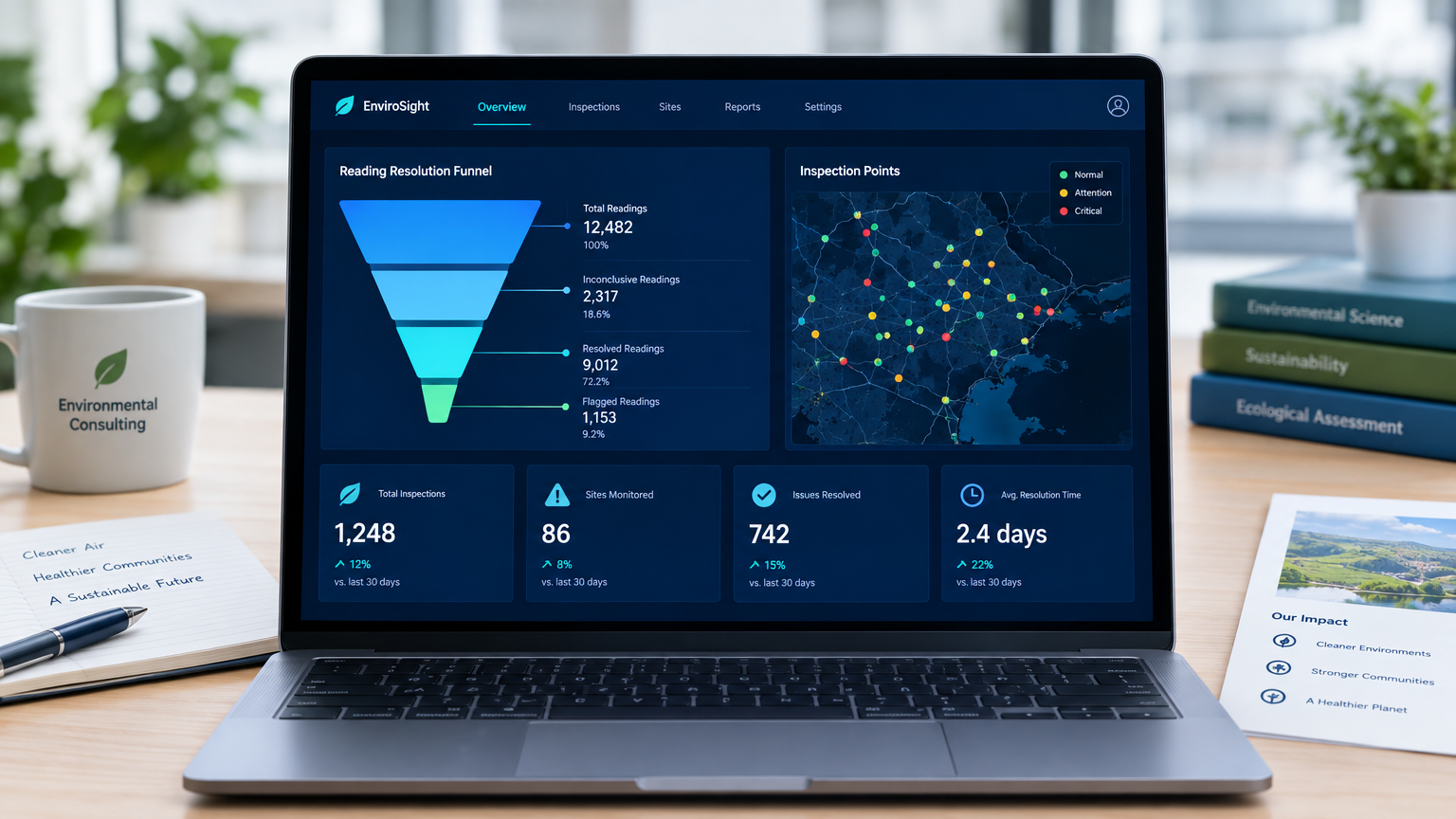 The aQRate web portal: survey results, Grey Zone resolution and QA/QC in one view.
From signup to insight in six simple steps
Create a free account
Sign up in the web portal. 30 days free, no credit card.
Download the mobile app
Native iOS and Android apps built for the field.
Build or choose a survey form
Start from a lead-based paint survey form or build your own — no code required.
Collect data in the field
Connect directly to the XRF device and work offline; readings sync when signal returns.
Review submissions in the portal
Track every reading, sample and calibration check as they come in.
Generate reports and dashboards
One-click PDF reports, KPI dashboards and visualizations from collected data.
Watch the aQRate overview
Starter template
Start from the Lead Inspections starter template.
The Lead Paint Inspection Log-Repeated Form arrives ready to use — watch it build itself, fill with a sample entry, and submit.
Lead Paint Inspection Log-Repeated Form
XRF Read ID*
Measurement Date*
Measurement Time*
Specific Room/Area*
Substrate Mat*
Arch Component*
XRF (mg/cm2)*
Paint Condition (Visual)
Sample ID
Test Required
Lead Concentration
Lead Paint Inspection Log-Repeated Form
NIST-CAL-009
2026-06-26T00:00:00.0000000Z
16:47:00
Calibration Station
Wood
NIST Standard Reference Material Film
1
N/A
N/A
—
—
Report ready: Regulatory Compliance Lead Audit
Your surveys aren't one-size-fits-all. Neither is aQRate.
Start with a lead-based paint survey form, then shape the workspace around how your crews actually work.
Assign inspections
Assign inspections to team members and dispatch from the portal.
Completion status
See completion status across every property in your portfolio.
Lab sample tracking
Track lab samples and results from collection to final report.
Certificates
Issue certificates for compliance documentation.
Work orders
Schedule remediation follow-up with trackable work orders.
Excel import/export
Move data in and out of your existing spreadsheets.
One-click PDF reports
Generate PDF reports and visualizations with one click.
REST API and webhooks
Integrate aQRate with the systems you already run.
See it in action
A real 200-point survey, mapped end to end
We ran a lead-based paint inspection on a historic multi-family complex in Boulder, CO — built in the late 1960s, spanning exterior surfaces, common areas, 10 residential units, and mechanical vault spaces, with over 200 individual inspection points logged. Of 36 inconclusive XRF readings, lab confirmation resolved 21 as positive and 15 as negative, letting the remediation team target spending instead of re-coating the whole property.
reduction in reporting and manual data handling overhead — measured on this demo project, not a company-wide benchmark.
Your data is yours.
Export anytime to Excel or through our APIs.
Built in Canada by Roshan Water Solutions, Edmonton, Alberta.
Frequently asked questions
Yes. The native iOS and Android apps keep working with no signal and sync automatically when a connection returns, so field crews never lose data.
Yes. aQRate connects to the XRF analyzer over Bluetooth, so every reading is timestamped and geotagged automatically, removing manual transcription.
Yes. Grey Zone readings are tracked from the field sample ID through the Flame AAS lab result, and the regulatory status updates automatically. See how it played out on a real 200-point demo survey.
Yes. Build forms with nested and repeatable sections, photo capture, GPS pins and signatures — no code required.
No. aQRate is a 30-day free trial with no credit card required.
Yes. Add users, assign inspections to team members, and see completion status across every property from the web portal.
Yes. Export to Excel anytime, or pull data out through the REST API and webhooks.
Pricing is based on usage. See the details on the pricing page.